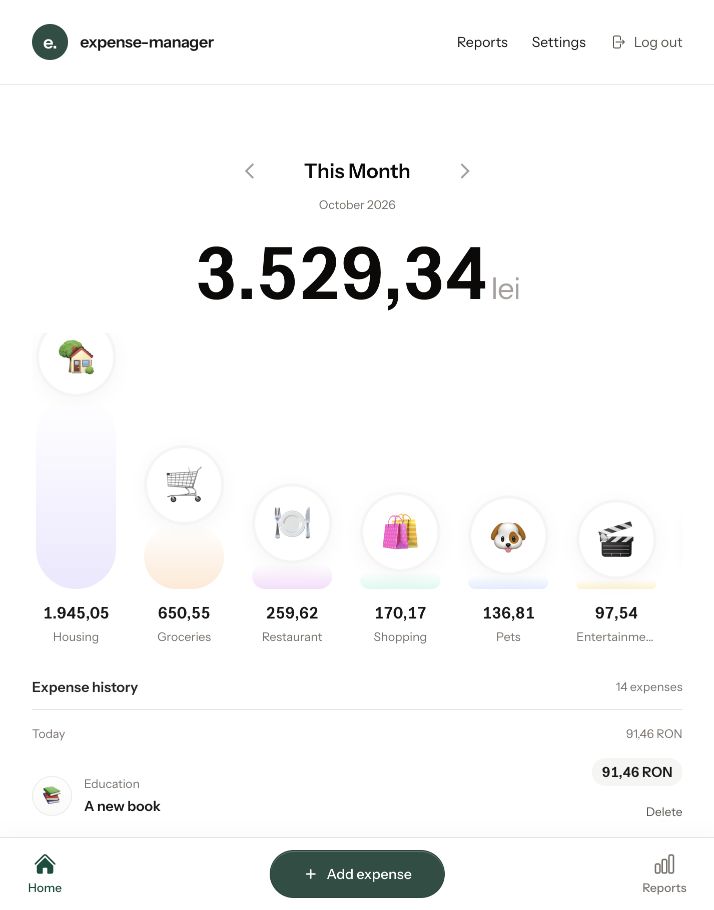
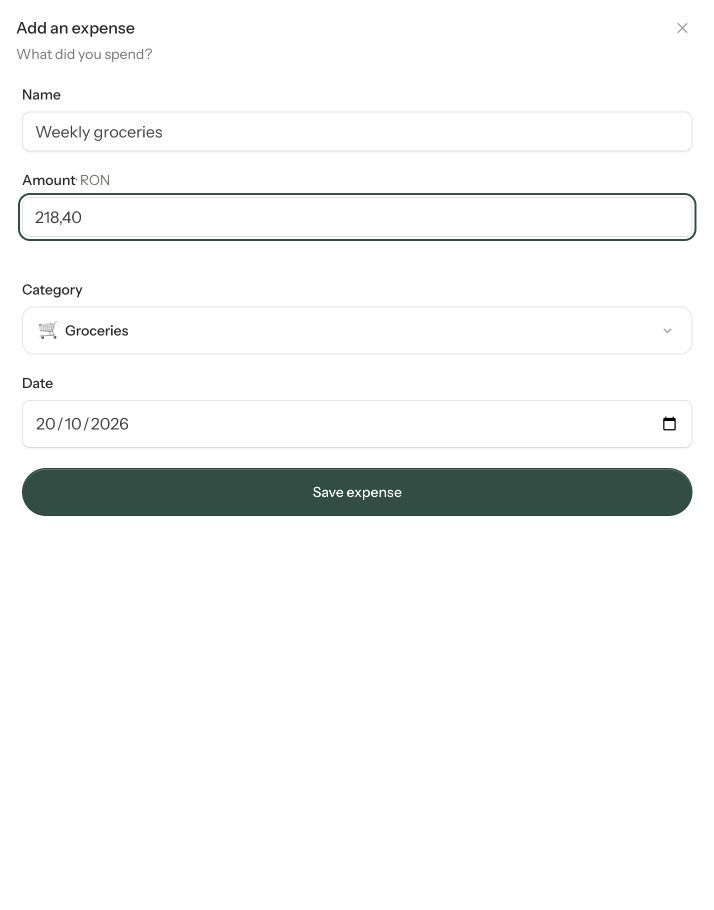
I built Expense Manager to make recording everyday spending feel simple. Add a name, amount and category then get back to your day. The interface keeps the essentials close: a clear spending total, recognizable category icons, and a history of recent expenses.
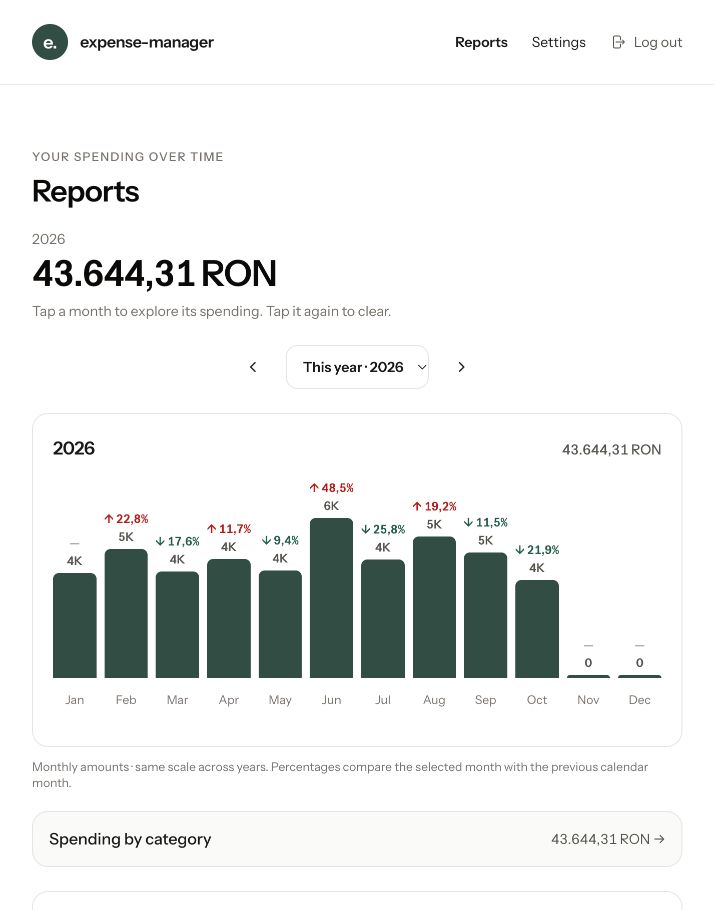
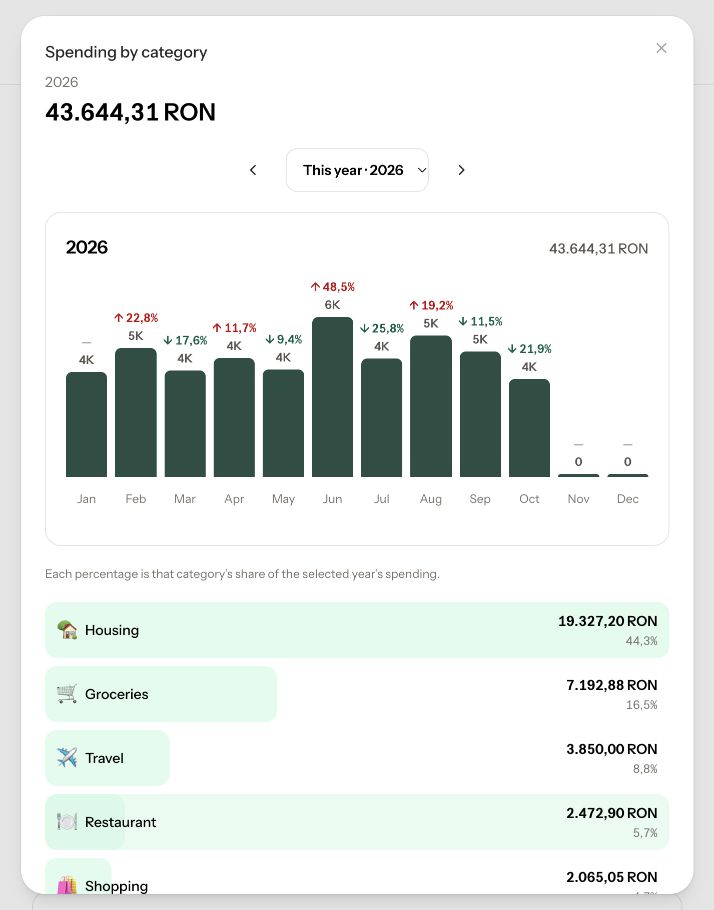
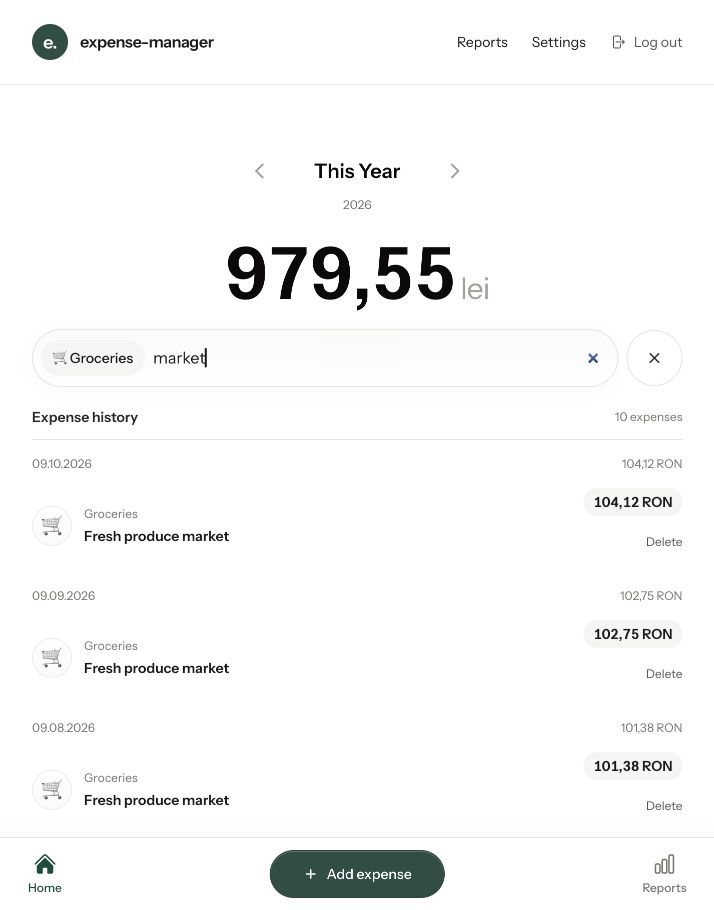
The dashboard turns individual purchases into a picture of where the money goes. Switch between periods, explore a category, or search descriptions to find a particular expense. Reports bring the longer view into focus with monthly charts, category shares, and year-to-year comparisons.
Designed primarily for the phone, the app pairs a light, minimal interface with touch-friendly controls and an iPhone Home Screen entry point. Each user has a private expense history and their own categories.
Feature highlights
- Quick expense entry with category suggestions based on the expense name.
- A visual spending overview with category icons and period navigation.
- Searchable history, category filters, and daily totals.
- Monthly and annual reports with interactive category breakdowns.
- Custom categories with editable names and emoji
- Separate, private histories and a complete CSV export for each user.
- A responsive interface with iPhone Home Screen support.
Technology
Laravel 13, Livewire 4, Flux UI, and Tailwind CSS 4.
At the moment, the App is not exposed to the public. Only used internally by family members only.
Screenshots